Account Security

Password Managers
Many people often use built-in password managers on their browsers or phones due to the convenience. Never use these tools they look tempting but there are faster and more secure third-party password managers. The downside of using a built-in password manager on a browser is a cookie attack or any browser attack can be all it takes for a hacker to get all of your passwords to all of the sites you have logged into such as banks and other personal websites. Using a third-party app-based password manager can offer better protection because of end-to-end encryption even the third party server can not see your password due to it being encrypted while being inputted into the server. I would recommend using any password manager that has not been breached and is open source with proper encryption algorithms to be more specific Proton Pass has been a great option for me.
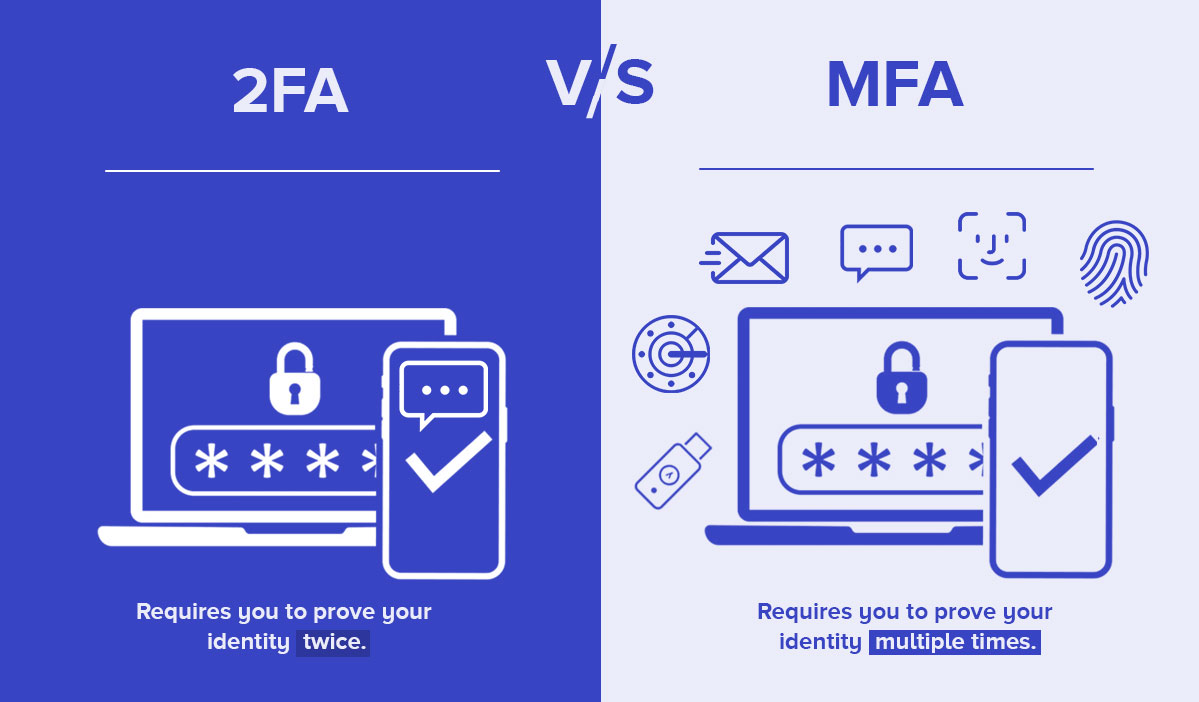
2FA
Having a strong password coupled with a strong 2FA (two-factor authentication) will make your account more secure than ever. The best 2FA I would highly recommend is is a physical security key so a Yubi key or any type of physical key the next best option would an authentication app. Some of the worst 2FA are text-based authentication is unsecure at every step SMS hijacking has been exploited for years with no result, leaving that 2FA message vulnerable. Having a physical security key would provide the best protection due to being something you have that others can not.